Industry
Web 3.0 - Crypto wallet
Client
MetaMask
My role
Sr Product designer
Designing consentful confirmations that empower and inform users
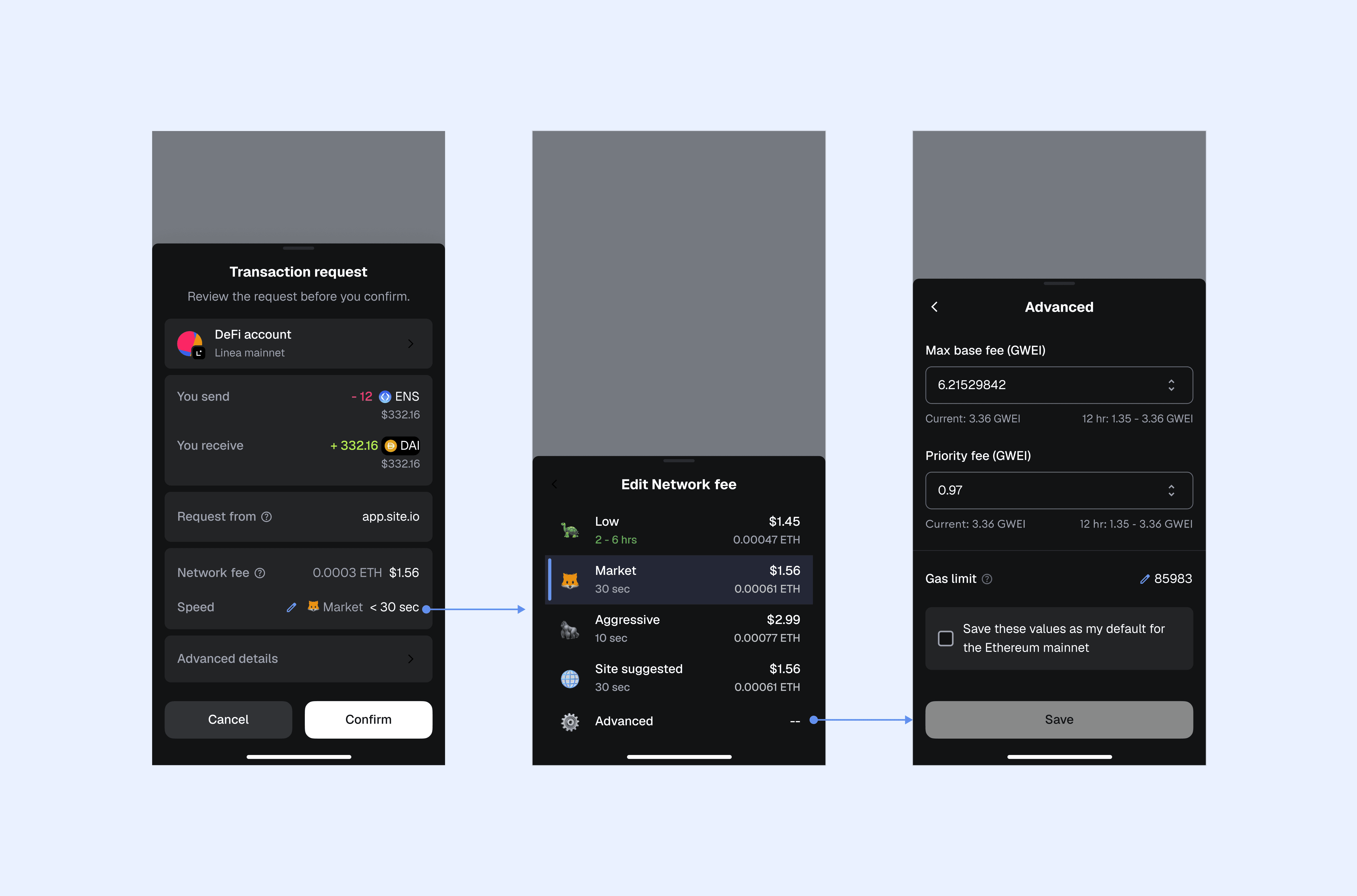
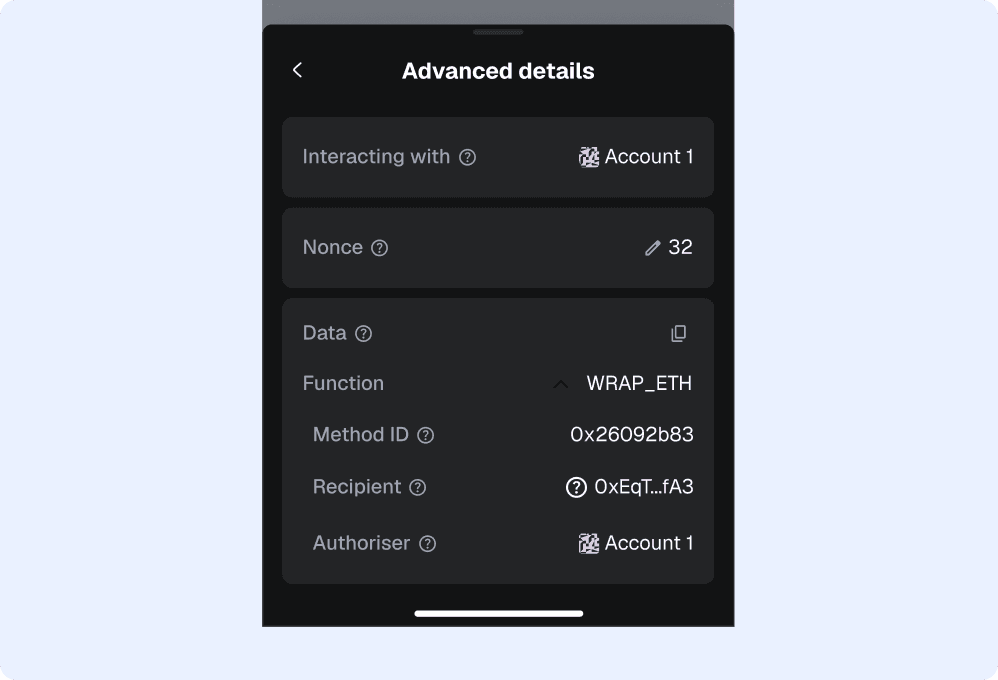
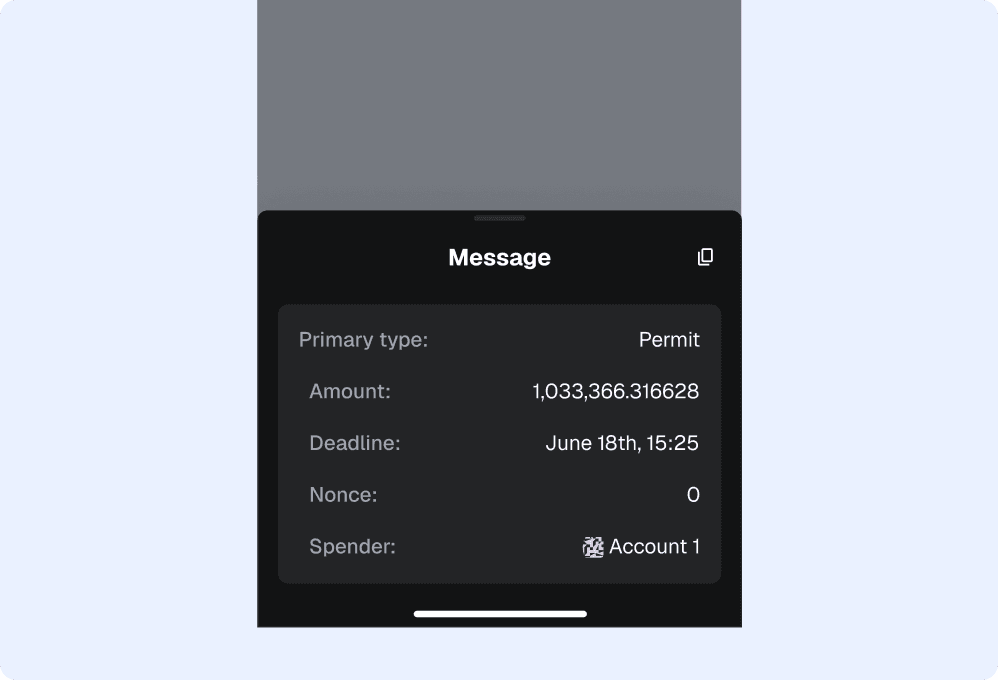
I led the product design effort to simplify and strengthen the confirmation experience across extension and mobile platforms. The goal was to improve clarity for users while embedding secure UX principles that could scale with the evolving needs of the crypto industry.
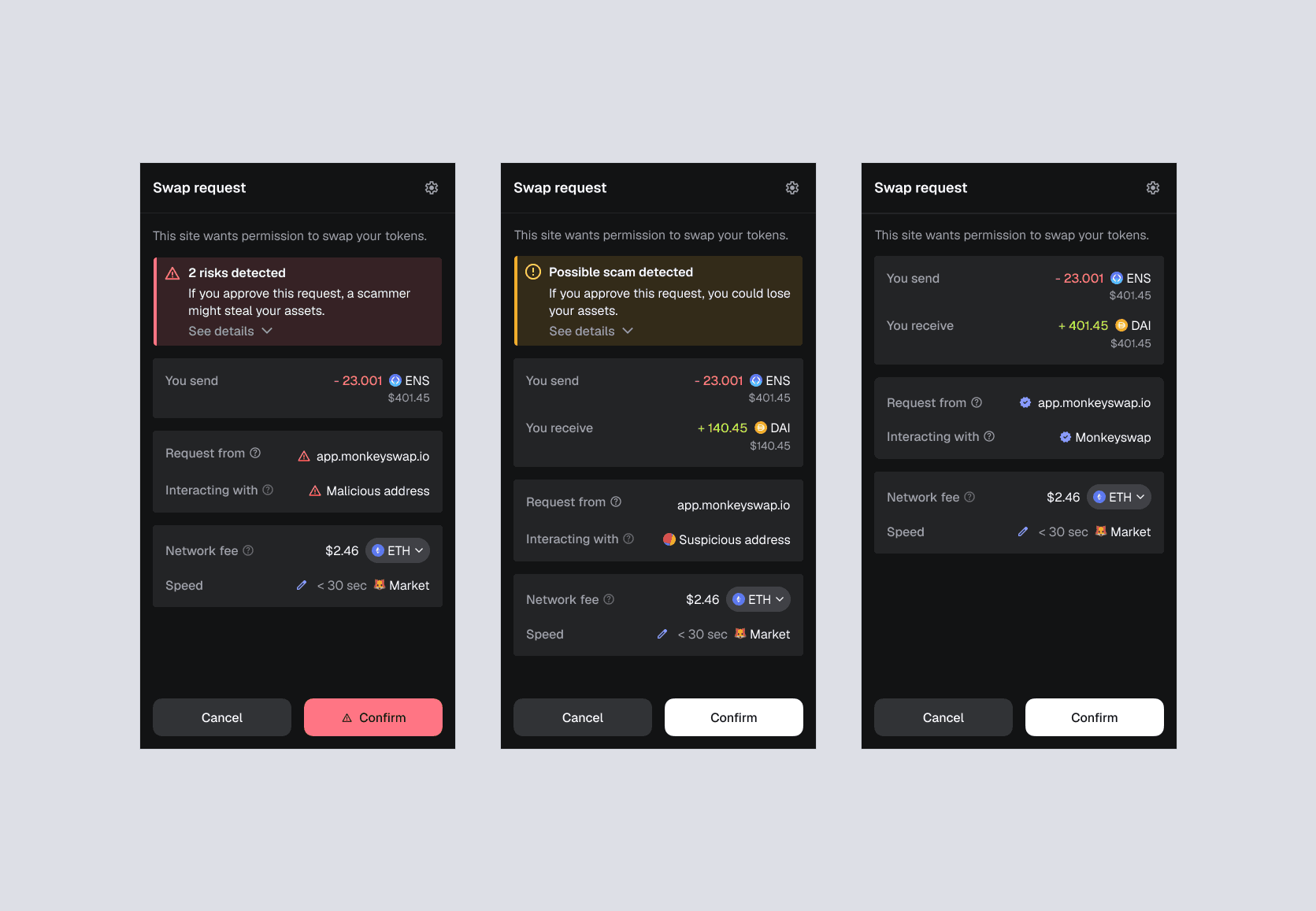
Through multiple rounds of user testing and cross-functional feedback, we redesigned the UI to make confirmation requests more understandable and trustworthy. This work required a deep understanding of transactions and relevant threat models, ensuring that the final design not only enhanced usability but also helped protect users from scams and accidental approvals.
Impact
Estimated to have saved $1.5B+ till date
Revenue generated through monetisation features $500k+ & counting…
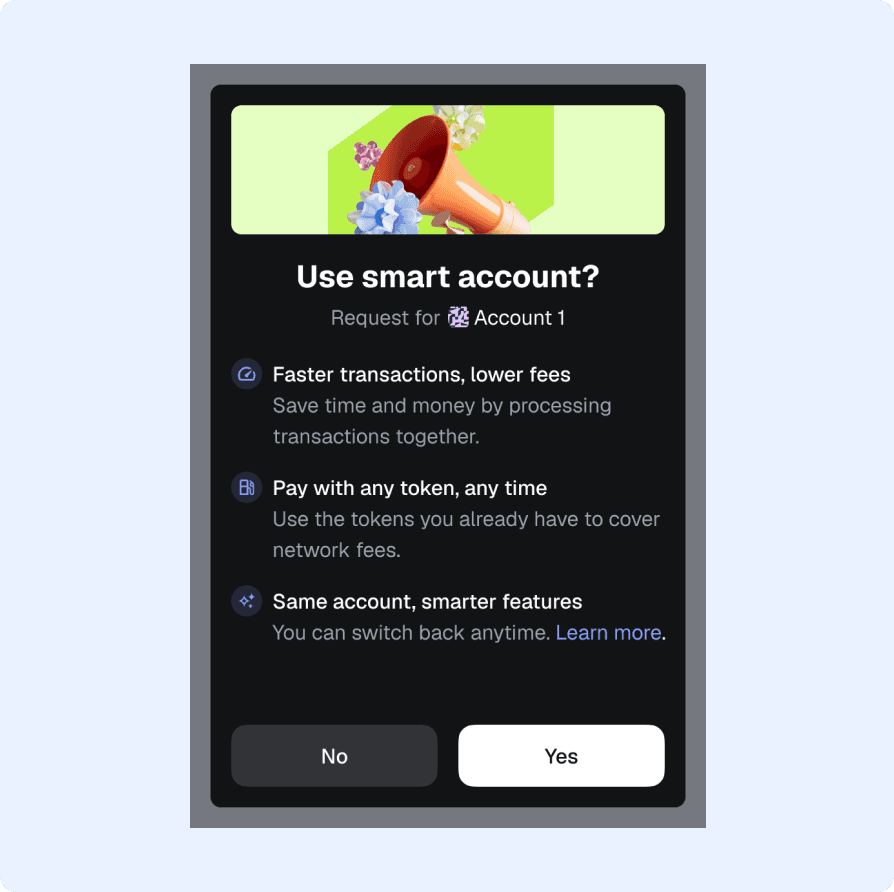
No.1 wallet to support Pectra upgrade through confirmations and highest no. of Smart Accounts by delegation
Processed 1B+ malicious requests
The conversion rate on malicious signatures went down by 50% with the redesign and the new alert system.
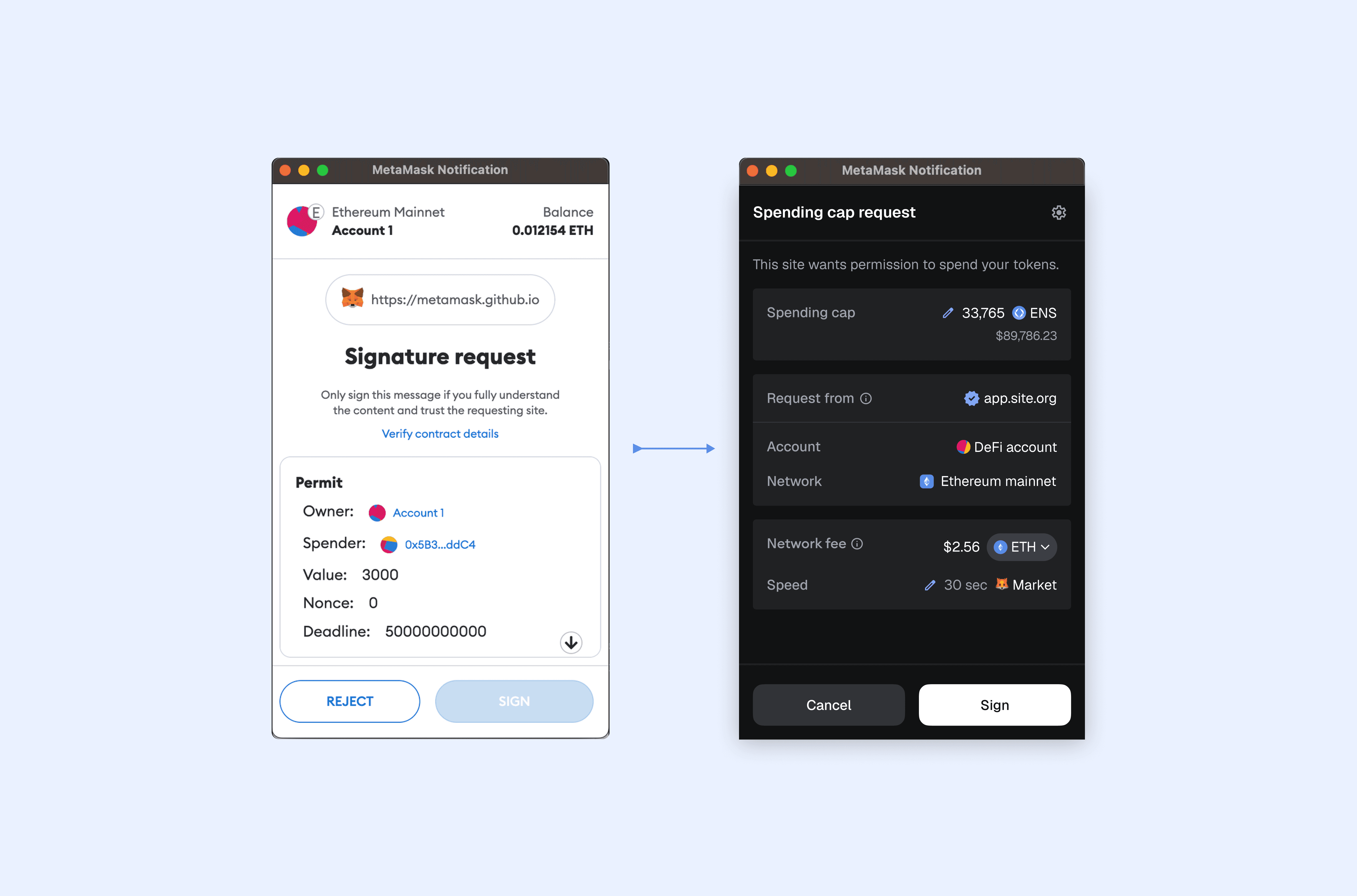
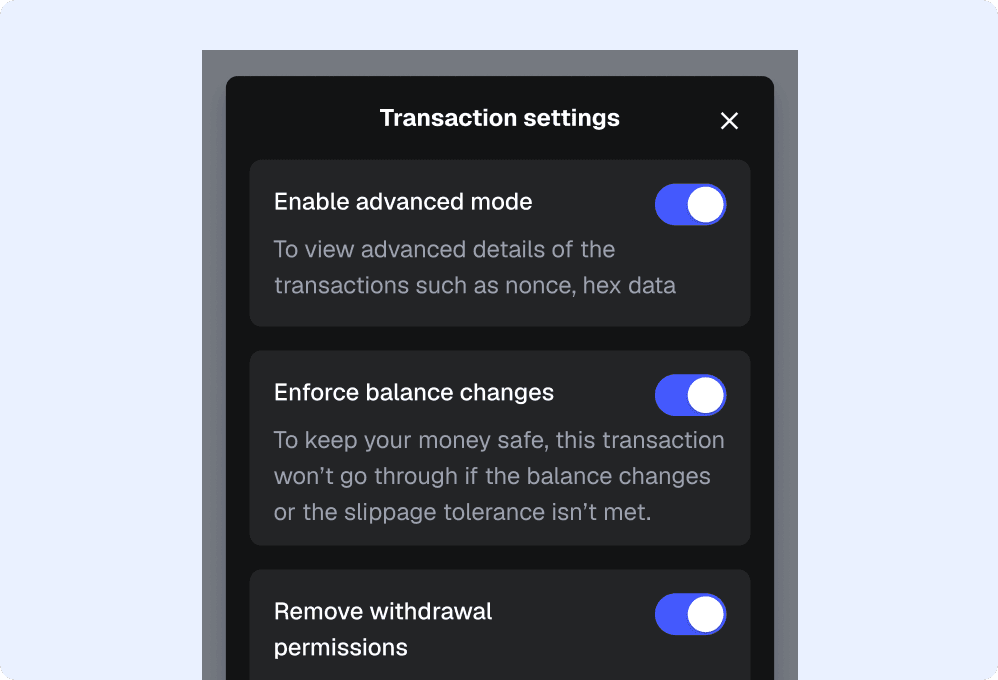
Make confirmations readable, scalable and secure
We began by listing 20 different types of confirmations across EVMs. We identified ia heirarchy within the information with some card sorting exercises. Soon we had scalable design system that supported the edge cases as well. This effort also inspired a complete tech refactor. We introduced several new features through the re-design that enhanced the readability & security of the confirmations such as simulations, an alert system, a petname system, trust signals etc. Heuristics for decision making - % of abstraction - Scalability - Extensibility - Readability/ Comprehension - Usable security